When it comes to delivering remote applications to end users, organizations have a lot of product options from which to choose. There are many vendors in the market, some of which even have multiple products.
Take VMware, for example. The company offers ThinApp and App Volumes for delivering virtual apps. The former transfers apps onto the target operating system and the latter places apps into compartments that IT can deliver to specific users or groups of users.
When it comes to the remote application delivery field, different tools take different approaches, whether it's app virtualization, streaming, layering or some other method. Take some time to sort through the various options for remote application delivery, from Citrix's XenApp and AppDisk tools to Liquidware Labs' FlexApp and Parallels' Remote Application Server (RAS). Learn what each tool does and how it separates itself from the rest of the pack.
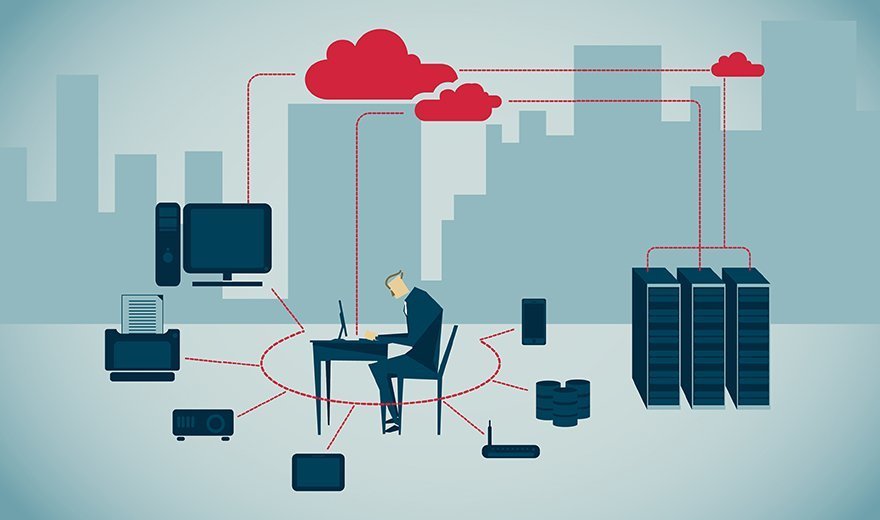
XenApp uses Citrix's HDX protocol to deliver applications to users through Microsoft's Remote Desktop Session Host. Users can access their desktops and apps from anywhere on Windows or non-Windows devices.
XenApp consists of three main parts. First, the multi-user operating system grants multiple users independent access to the server at the same time so they can work with full remote desktops or individual apps. Next, the XenApp software is what actually connects the endpoints to the apps. The software includes both multimedia and USB redirection support. Finally, the users' endpoint devices access the apps and data through Citrix Receiver.
Citrix AppDisk is another option for delivering remote applications. With this app layering tool, IT can group apps in AppDisks, which are virtual hard disks or virtual machine disk files depending on the hypervisor.
The app groups are not tied to golden images, so admins can create them on a user-by-user or department-by-department basis. The apps within the AppDisk can support common operations by communicating with each other. Admins can provision the app groupings with Citrix Provisioning Services or Machine Creation Services.
VMware's ThinApp is an agentless application virtualization tool. Admins can use it for a variety of tasks, including moving legacy apps onto new OSes and high-security desktops. IT picks and chooses which users have access to which apps and decides who has permission to use a USB to transfer apps between devices. Admins can also use ThinApp to simplify a host of management tasks, including the app update process.
With App Volumes, an app layering tool from VMware, IT can compartmentalize apps into virtual machine disk files which connect to user desktops or virtual machines. The data on the apps follows users from one device or virtual desktop session to another. Admins can also remove, update or install apps for users nearly instantaneously with App Volumes.

By bypassing Active Directory settings with the System Center Configuration Manager, Microsoft's App-V takes an agent-based installation approach to delivering remote apps to end users. Admins can deliver individual virtualized apps from suites such as Microsoft Office and can use App-V's centralized management console to control which users can access which data in each app.
There are six major App-V components IT should know about. The App-V Sequencer is a wizard-based tool that builds app packages made up of either sequenced app files, Windows Installer files or multiple XML files to actually virtualize the apps. Next, admins use the App-V Management Server to deliver the tool's Desktop Client or Remote Desktop Services Client to the users' endpoint devices. Those clients are responsible for accessing the virtual apps and transferring them to the users' devices. The Desktop Client also saves users' custom settings so they don't have to make changes every time they log on.
The App-V Publishing Server takes care of app streaming with virtual app packages. Finally, the Reporting Server shows admins what users are actually doing with their virtual apps. IT can also use App-V to authenticate access requests and keep an eye on security.

Liquidware Labs' FlexApp is an app layering tool. It is part of the company's ProfileUnity suite which consists of a Management Console, Packaging Console and desktop thin clients. FlexApp lets IT deliver department-specific remote apps that are not connected to virtual desktops. That means admins do not have to create or manage as many golden images and they can update the apps individually.
When organizations use FlexApp as a part of ProfileUnity, admins can manage users, profiles, data, settings and apps from a centralized location with the Management Console. The FlexApp Packaging Console communicates with the ProfileUnity suite to allow users' resources to follow them from device to device.
FlexApp works with Citrix's XenApp and XenDesktop and VMware's Horizon View. In Citrix deployments, it stores the app packages on dynamically expanding virtual hard disks. VMware Horizon stores the packages on virtual machine disk files.

Parallels Remote Application Server is like a lightweight, cheaper version of Citrix XenApp. Its pricing makes it a draw for small and mid-sized businesses. The licensing costs for Parallels' RAS, for example, come in at $99 per concurrent perpetual license. Compare that to the Enterprise edition of XenApp which costs $485. In addition, RAS balances application request traffic across servers and includes real-time app monitoring and universal printing and scanning.
Users can work with just about any device to access virtual apps from Parallels RAS. The client apps work on Apple iOS, Google Android and Chrome OS for mobile devices and Windows and Linux desktops. It also comes with an HTML5 browser client so users can access apps on a web browser.