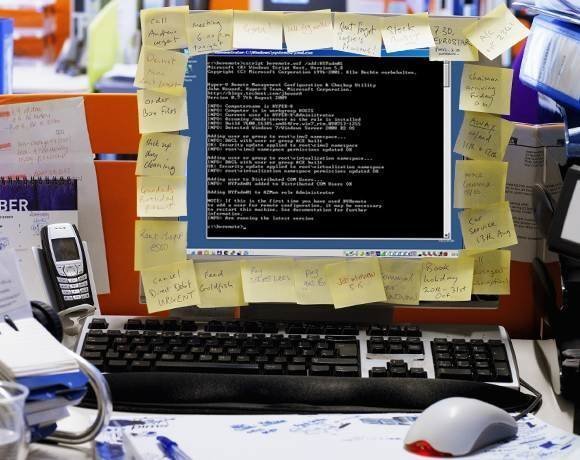
For remote management, a tool that Microsoft offers is HVRemote. It gets away from the kludgy Hyper-V Manager admins try to avoid. It boils down remote management for Hyper-V into just a few commands. It can't get much simpler than that.
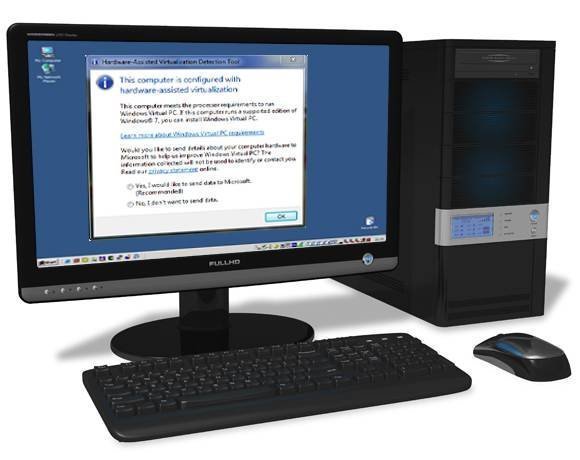
The Hardware-Assisted Virtualization Detection Tool is a Microsoft-supported application, which checks if a process supports virtualization. This is especially handy for testing to see if your system is compatible with Windows XP Mode, which gives a Windows 7 Enterprise user complete access to a fresh install of Windows XP SP3.
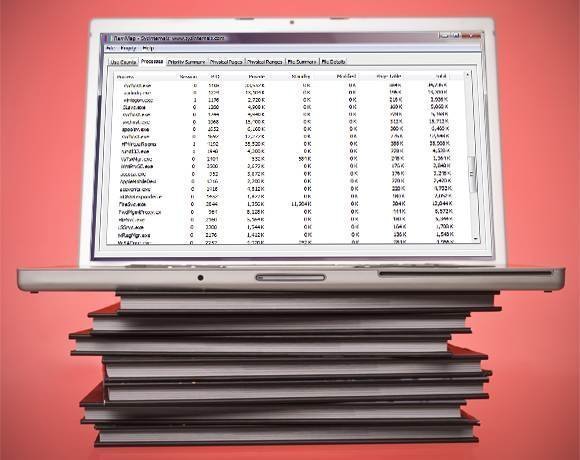
The RAMMap and VMMap tools analyze memory usage on physical and virtual hardware deployments. These free, unsupported tools help visualize and analyze any issues with processes running. VMMap helps granularly investigate a process and see if it is fragmented or not.
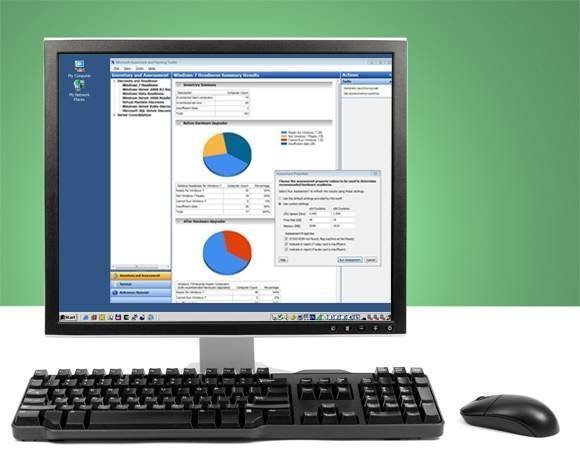
The MAP Toolkit can help ease cloud-based migrations as well as local migrations. Version 6.5, released recently, adds support for VMware products, but Microsoft maintains that you'll get better performance out of using Hyper-V. The biggest feature includes the ability to take inventory of all servers that you're working with, including Hyper-V.

IOMETER has an open-source option that can help fine-tune iSCSI SANs. Beyond that, IOMETER lets you measure Hyper-V virtual disk performance by simulating environments with customizable workloads.
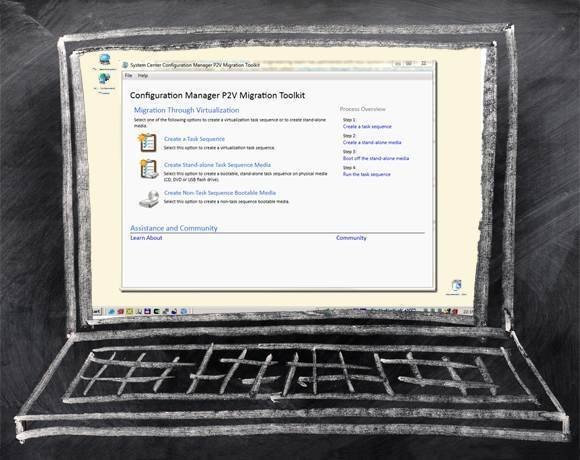
The P2V Migration tool assists in migrating a physical machine to a virtual machine. This tool is especially good for situations when you only have to migrate a few machines; for larger organizational jobs, there are other options.
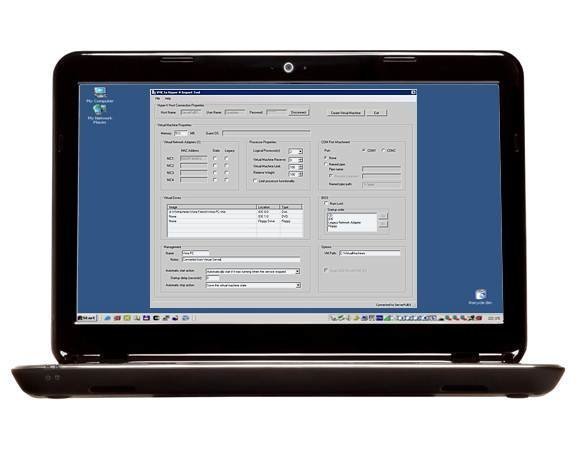
The VMC to Hyper-V toolkit is valuable for those still yet to migrate to Hyper-V. VMC is also a Microsoft product, but that doesn't mean there isn't some pain in converting files to Hyper-V. It's probably just about the same as moving from a competitor VM to Microsoft's own hypervisor offering.
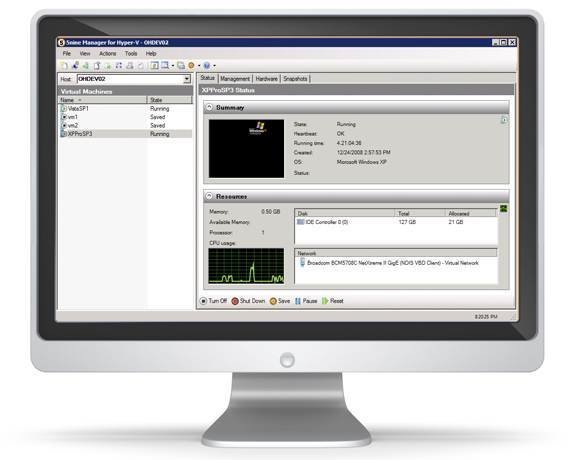
Third-party tool vtCommander, or the version of it licensed by 5nine Software, allows remote or local administration of Hyper-V. Best part of all? It helps bring the GUI back to Windows Server, even as the command line begins to take over. This tool is arguably far simpler to use than Microsoft’s own Hyper-V Manager.
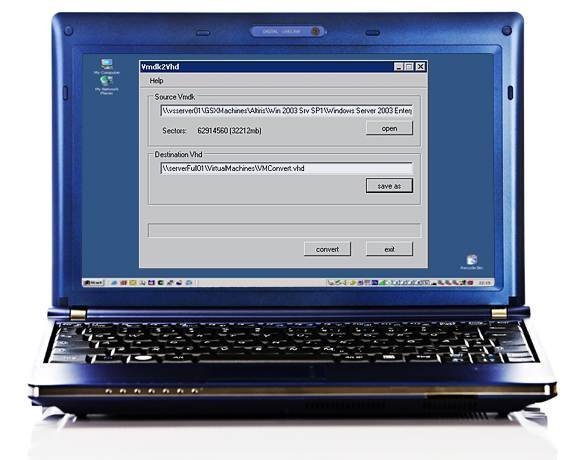
The VMDK to VHD Converter gets a nod for those trying to get away from the VMware option toward something more Microsoft-approved. If you're not using System Center Virtual Machine Manager, this is a great option for converting VMware disks to VHDs.
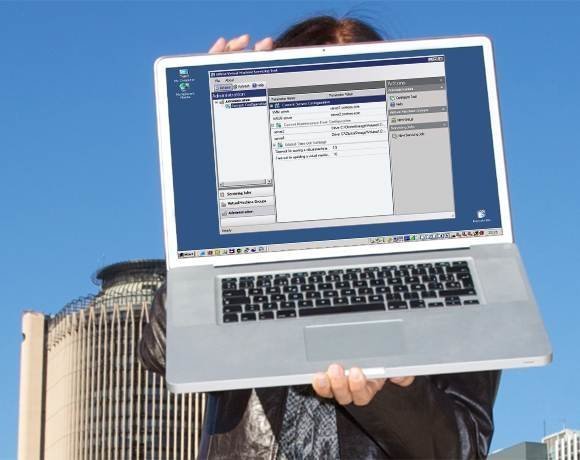
The Virtual Machine Servicing Tool helps keep machines updated even when they are offline. The tool uses the Windows Workflow PowerShell interface to establish a connection to offline virtual machines for updating from WSUS.