Comprehensive VDI security features should be a top priority for organizations, especially those that host business-critical workloads in their VDI deployments.
Citrix and VMware are two major players in the VDI battleground. Both vendors offer end-to-end suites that can provide a variety of management, scalability and performance monitoring features. There are differences between them, however, especially when it comes to VDI security features.
Organizations looking for a VDI platform should prioritize flexible security controls, such as role-based access. In this VDI security showdown, we'll pin the two challengers, VMware and Citrix, against each other to determine which platform offers the most comprehensive security features.
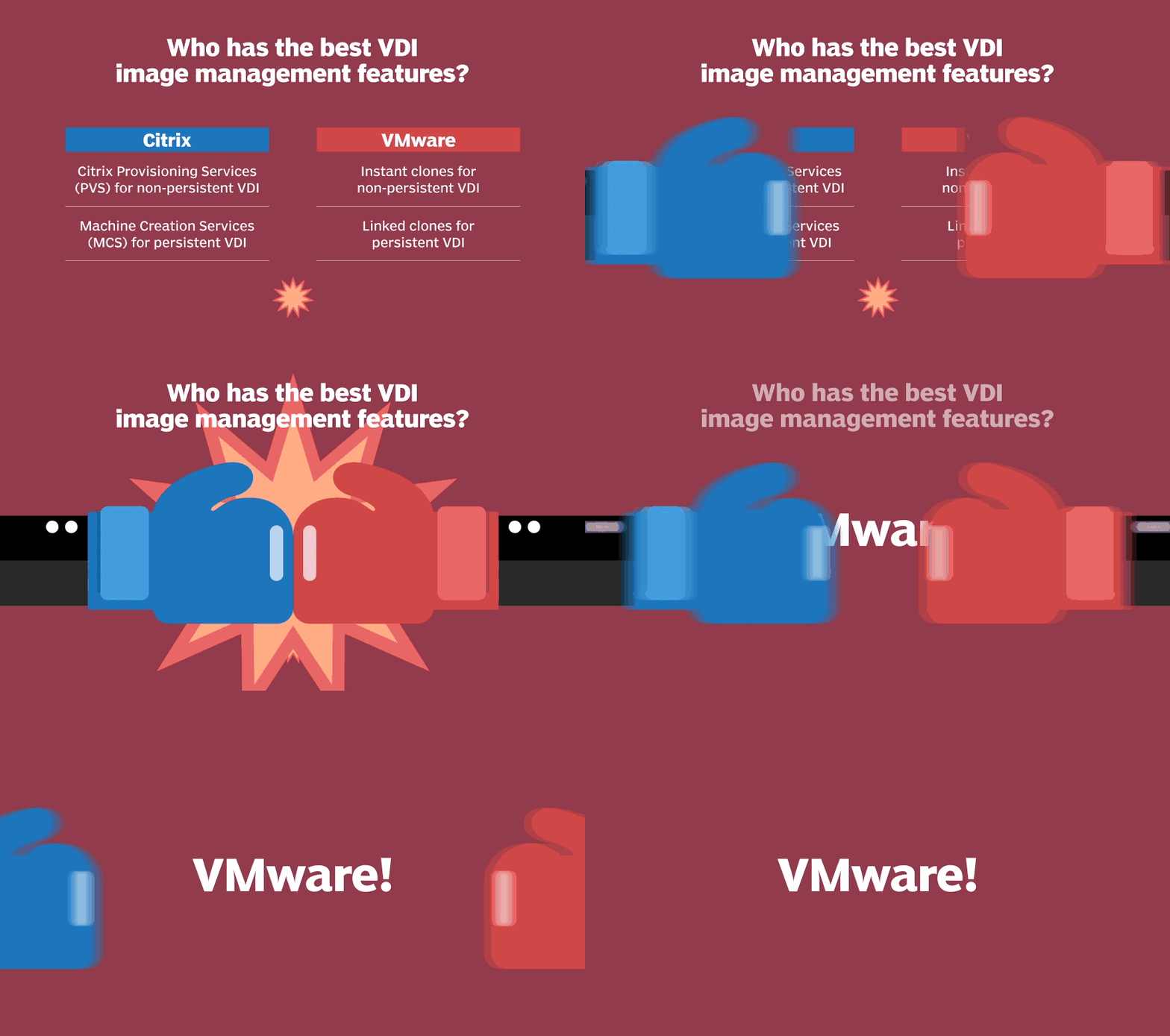
Good VDI image management will help an organization at multiple levels.
Many organizations, however, lean on this feature too much as a security easy button. There is no substitution for good Group Policies, application control and antivirus protection.
Organizations that count on this feature to prevent attacks may be in store for a surprise. VDI image management can work to a point, but it might not even slow attacks down as they evolve from one system to the next. IT pros should pay close attention to VDI images, policies and other security recommendations rather than rely solely on this feature.
Citrix Machine Creation Services (MCS) and VMware Linked Clones use the same underlying technology. Both tools take snapshots of VMs and share those snapshots with the parent VMs. Similarly, Citrix Provisioning Services (PVS) and VMware Instant Clones both offer automated provisioning. PVS streams a disk image, called a vDisk, to reduce the number of disk images that IT needs to manage. VMware Instant Clone Technology, also called vmFork, clones a parent VM and then uses a copy-on-write strategy to deploy those VMs.
When it comes to VDI image management, VMware's Instant and Linked Clones take the win with only a slight advantage. Both vendors enable IT to destroy the image and/or recreate images after a logout. VMware Instant Clones will rebuild or recompose the desktop after each session by default. VMware Instant Clones prevent file persistency in the OS, which increases security. Some Citrix PVS deployments configure the write cache drive as persistent storage for Windows event logs and other configuration items, which could lead to attack persistency. Citrix PVS enables a way to write files persistently in a read-only deployment, which causes Citrix to lose a few points in this round. From a security perspective, Citrix MCS and Linked Clones are equivalent, based on how each tool retains settings after user sessions until it is recomposed.
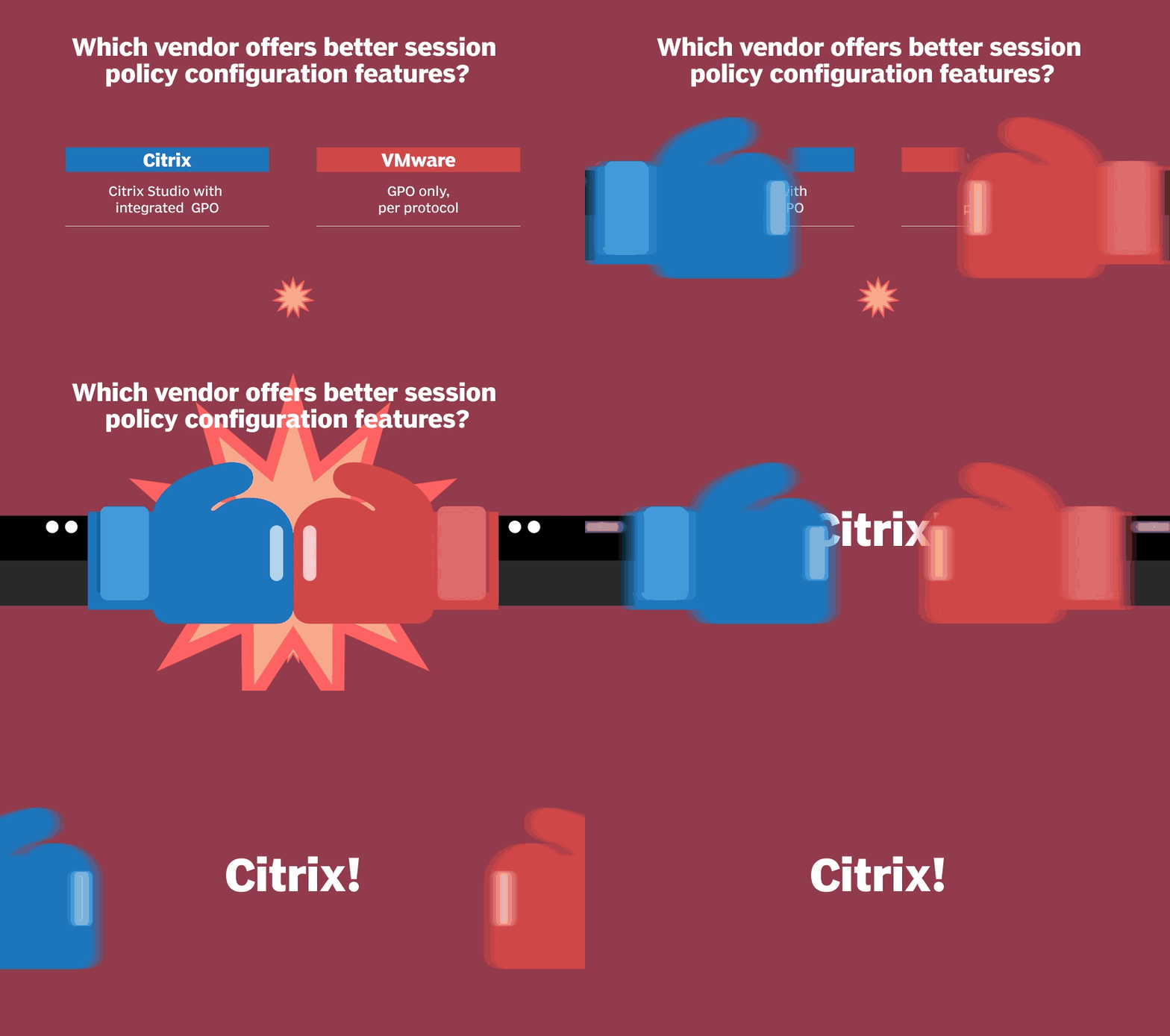
The ability to control what goes in and out of the virtual desktop session is important, and one way to do that is through session policy configuration.
As a rule, IT admins should secure all input/output channels by default and then only allow access for specific users. IT should be able to centrally manage policies and easily apply role-based access with allows and denies when configuring policies.
Citrix wins this round because of the integrated Group Policy Object (GPO) engine in its Citrix Studio console. Citrix also offers session watermarking, which can display client and user-based information. If end users take screenshots or pictures, IT can know who took them and when they were taken.
VMware, on the other hand, relies on GPO .admx bundles to provide a way to even configure these settings. VMware has separate machine/user and protocol sections in its GPO Policy Pack, which makes configuration less intuitive and more complicated than Citrix Studio. VMware could fix this by integrating GPOs into its unified endpoint management console so IT can centrally configure policies. That would bring its session policy capabilities up to par with what Citrix offers.
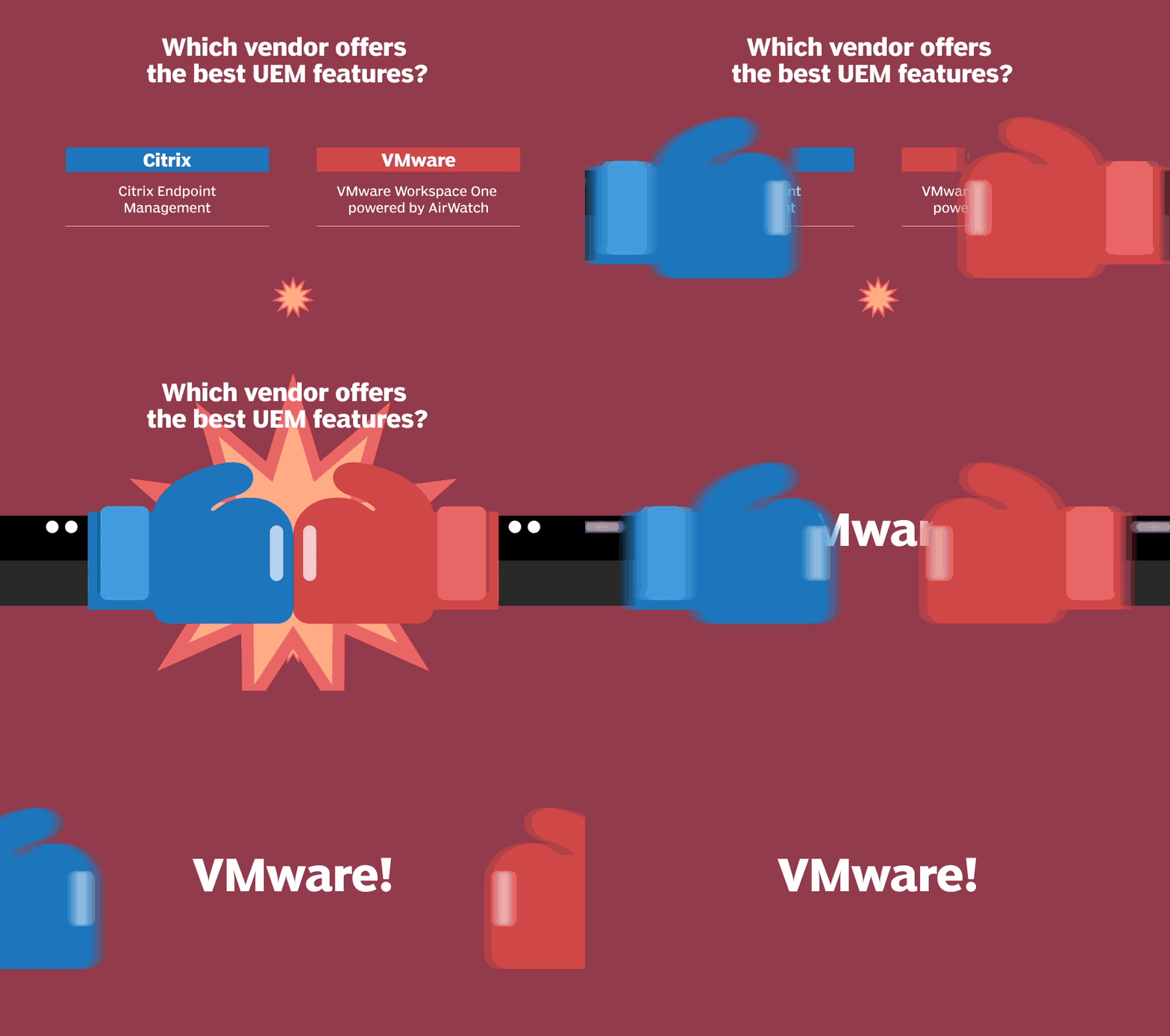
A unified endpoint management (UEM) console should be able to manage mobile OSes such as Google Android and Apple iOS, along with Windows and macOS desktops.
IT admins must commonly manage Windows domain-joined devices, but a growing number of unmanaged personal devices also need access to virtual desktops. It's important to ensure that unmanaged devices are not compromised and meet some of the organization's standards. Unified endpoint management also offers users the ability to securely access services from mobile devices, such as email and intranet sites.
VMware Workspace One powered by AirWatch has a slight advantage based on its deployment dominance and market growth. Most UEM platforms, however, are created equally because the OSes only open a certain number of controls to each vendor. Vendors generally must play by the same rules. UEM platforms differ in their integrations with their other products and other application ecosystems. An organization should use the UEM that its VDI vendor offers because it will allow for better integration and a more complete offering.
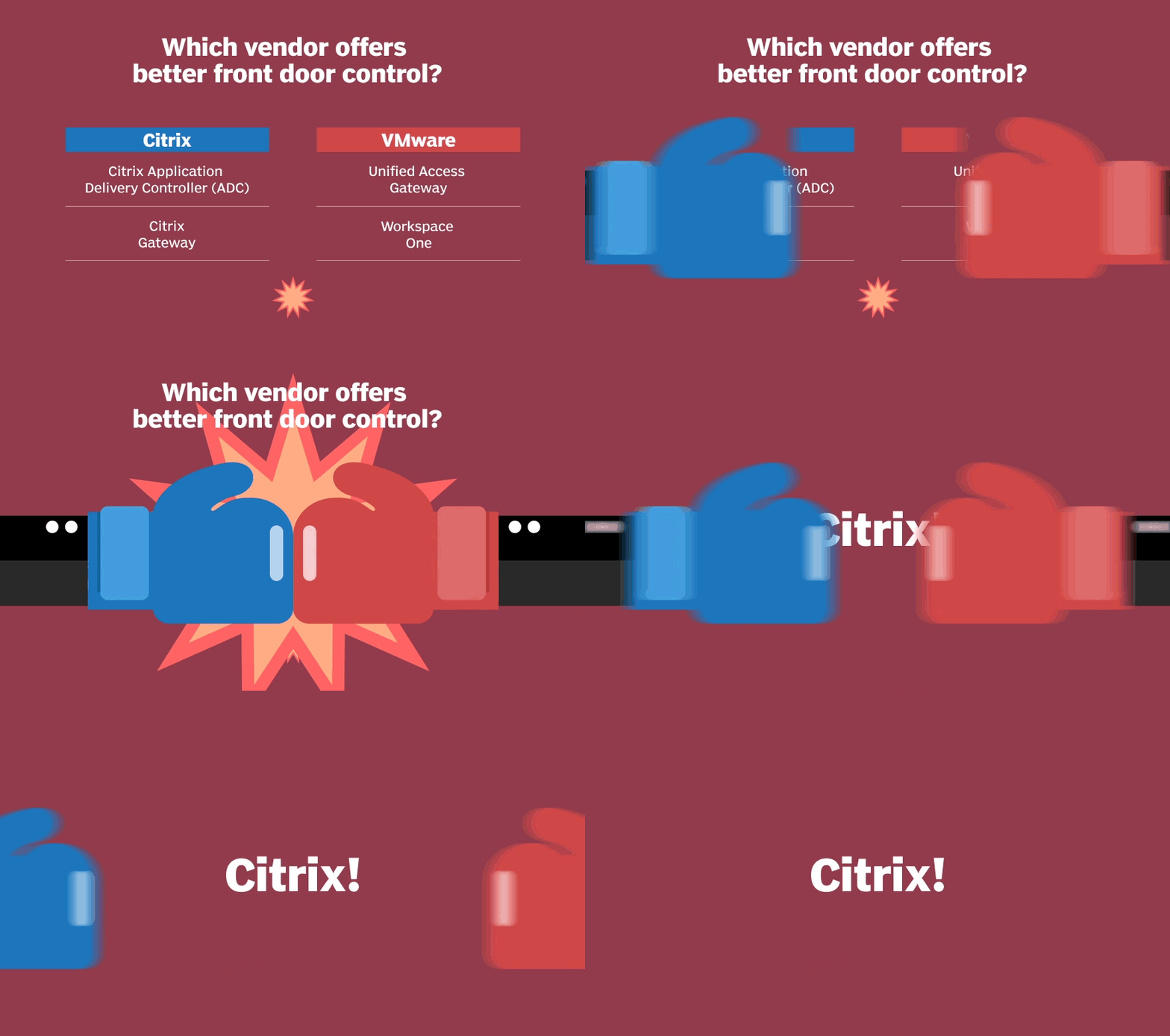
A virtual desktop deployment should have an integrated and highly available access control system. IT should also be able to reduce the attack surface by proxying the desktops from the users.
Citrix wins this round with the Citrix Application Delivery Controller (ADC), which is bundled into many offerings from Citrix. Citrix ADC is highly available with multiple deployment options, and it has many access control options. IT can use Citrix ADC as a proxy between users and the back-end resources.
Citrix also gains a couple more points with support for GeoIP, BadIP, DoS Protection and TLS 1.3 -- unlike VMware's Unified Access Gateway 3.7 -- to help further reduce the attack surface. Citrix Intelligent Traffic Management is another layer in the Citrix deployment that doesn't exist within VMware, which helps globally protect DNS records from many different attacks.
VMware has partnerships with F5 Networks, and its NSX product line has some load-balancing abilities, but it isn't as full-featured as Citrix ADC.
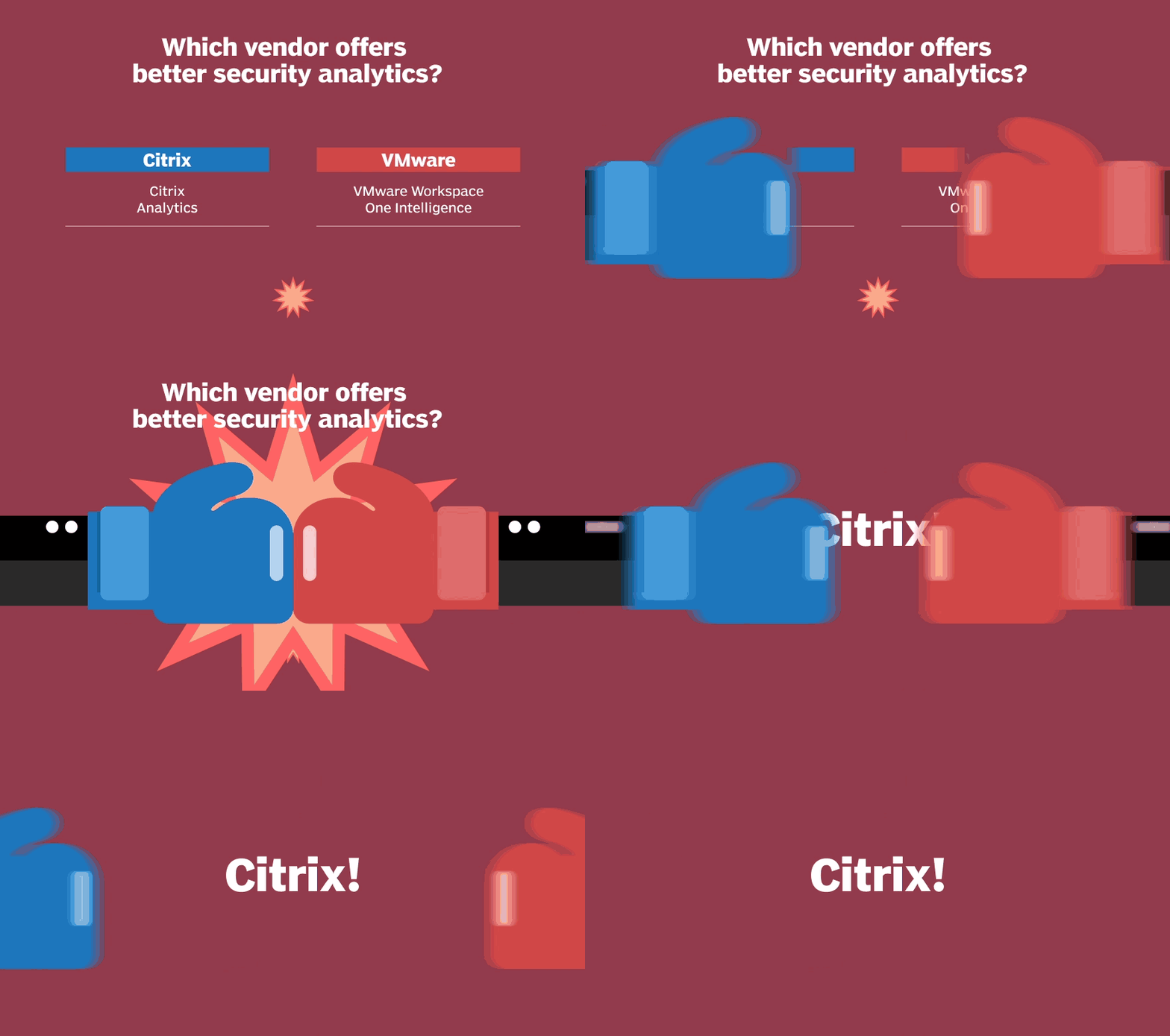
An active defense for VDI is essential in today's day and age of constant adaptive attacks.
Security analytics systems allow IT to dynamically change policies as unusual or suspicious activities are detected. IT can configure policies to either limit access or block access to users. Both Citrix and VMware require organizations to purchase special entitlements for these services to work and have different restrictions on cloud and on-premises deployments.
Citrix wins this round with Citrix Analytics. The service's integrations, along with its own session recording and connection proxy, means that it has more control and abilities compared to VMware. Citrix Analytics also integrates with Splunk for organizations using it for Security information and event management.
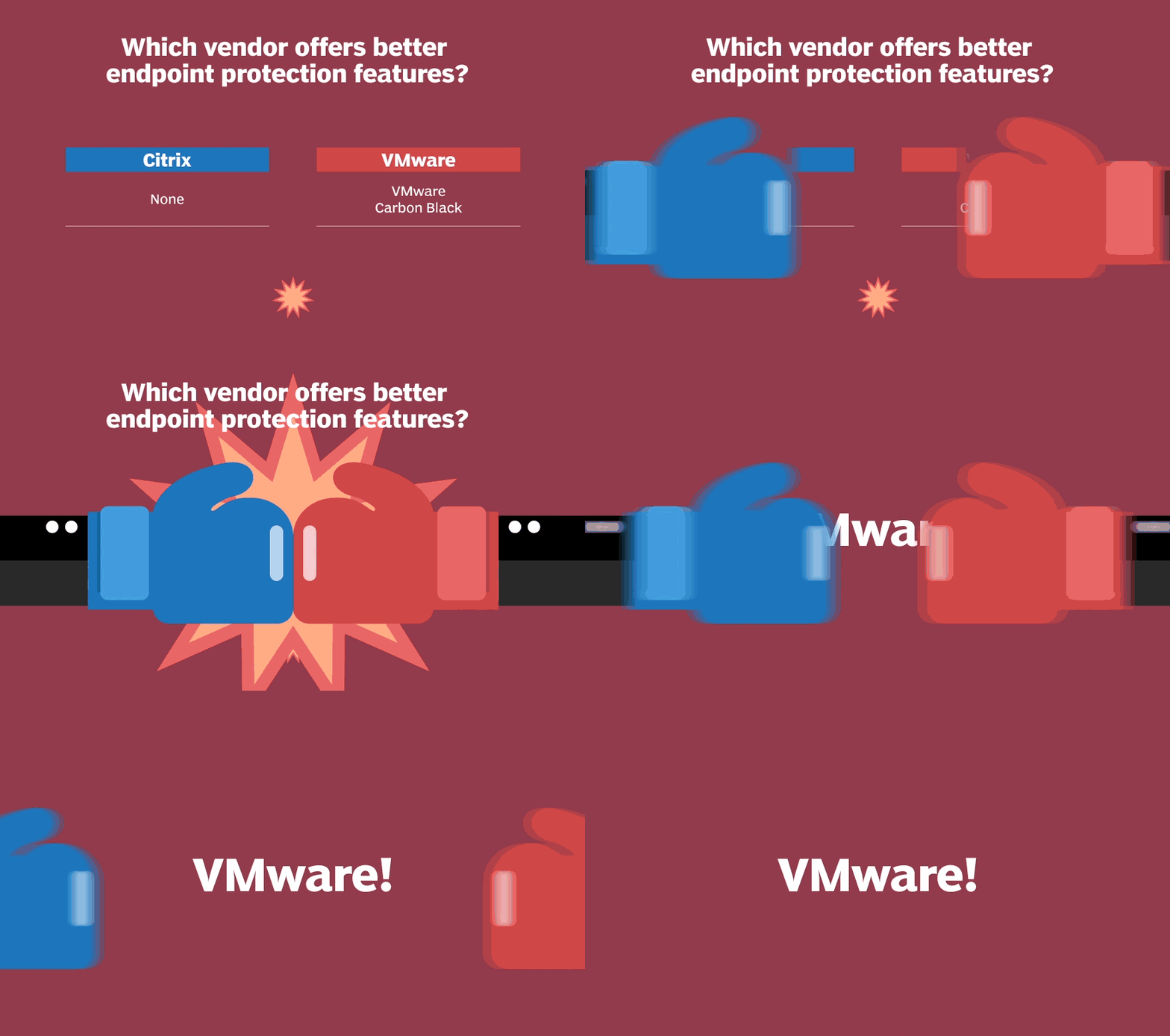
IT should always deploy endpoint protection for VDI, even in a hardened deployment that runs a strict and well-maintained application control whitelist.
Endpoint protection for VDI detects and blocks malicious behavior using signatures and looking for patterns. IT must test and make note of its effect on performance, because mileage will vary based on each product. The juice is worth the squeeze, however.
VMware wins this round with its own endpoint protection offering. VMware acquired Carbon Black in August 2019 and gained access to a huge threat intel network that Carbon Black was already collecting. Final pricing, packing and integration details are still to come.
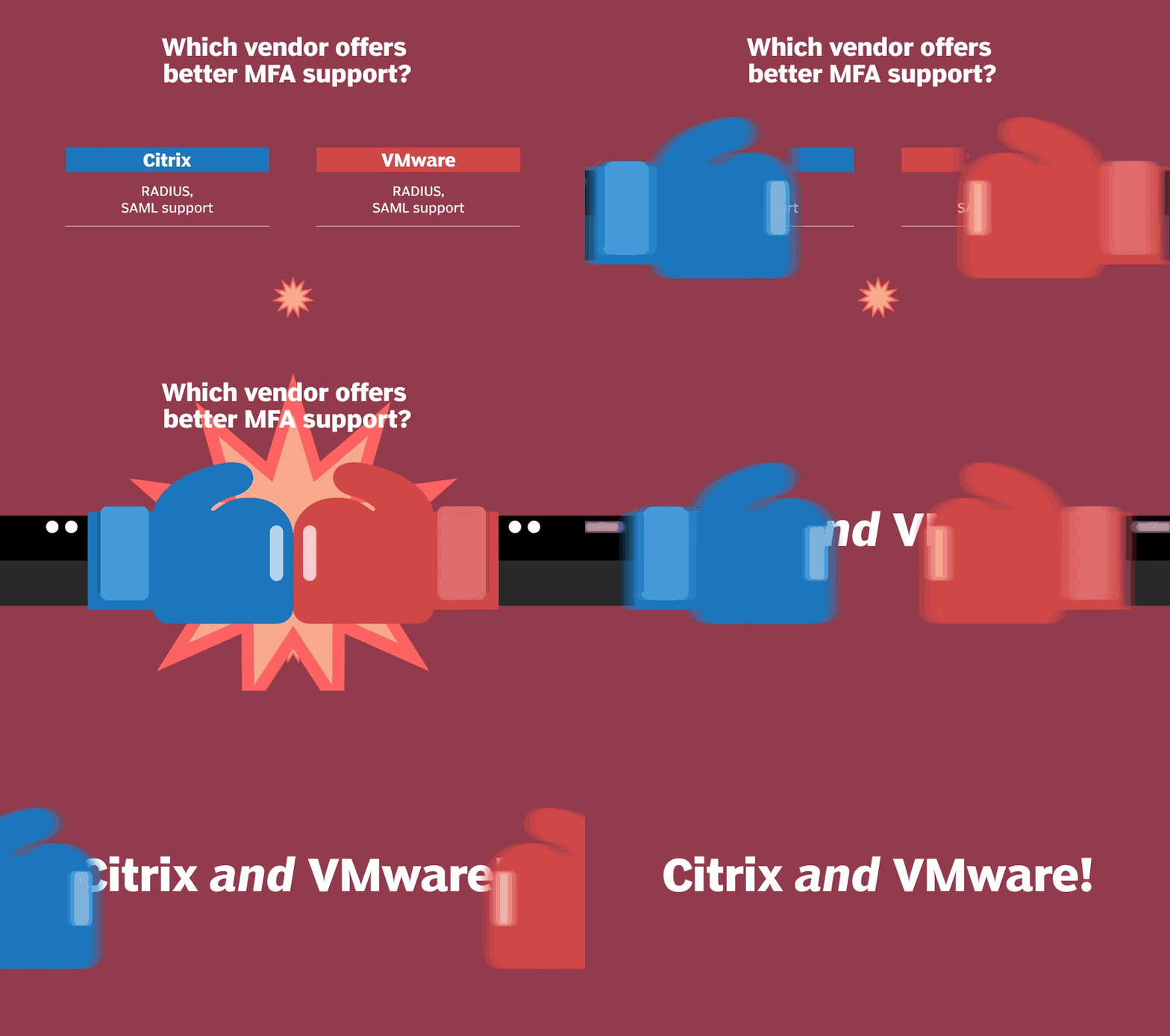
Organizations that rely solely on traditional usernames and passwords could be at a high risk of an attack. VDI admins should deploy VMware or Citrix multifactor authentication that requires users to input multiple factors to identify themselves.
Over 9.9 billion usernames and passwords are searchable on the internet, and an organization could have just one to thousands of records in those breaches. Many employees, for example, use their corporate email addresses to register for online services such as LinkedIn, which was breached in 2012. Password reuse bridges employees' personal account breaches to corporate systems.
Citrix and VMware both provide access to the two most common multifactor authentication (MFA) integration methods: SAML and RADIUS. Both vendors offer whitepapers to integrate with other methods as well, which makes MFA that much easier to deploy.
One question that comes up with VDI is, "What if someone compromises the endpoint that is accessing that application?"
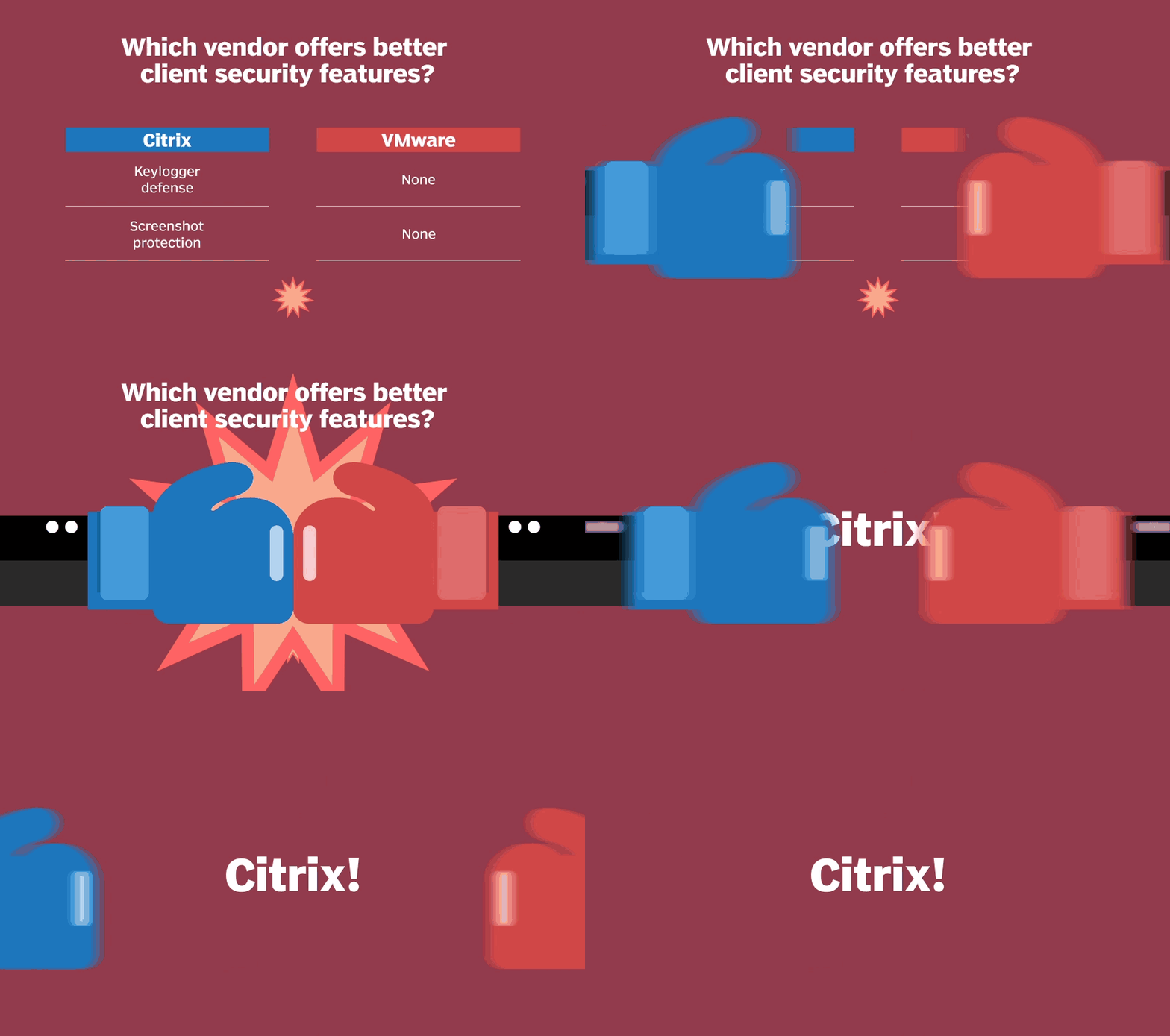
Before 2019, there was no good answer -- except that organizations with a keylogger or screen capture infection could have a bigger problem. In those cases, attackers could pivot to other systems, just like they compromised the first system.
Citrix wins this round because of its keystroke logging software that prevents keyloggers from capturing sensitive data from applications. IT can create policies to disable screen capture, as well. When end users open an app through Citrix Workspace and attempt to take a screenshot, they'll only capture a black screen. Mitigations such as these rarely last forever, however. Attackers may develop a workaround in the future, so IT should always be on the lookout.
As web-based applications and attacks increase, so does the importance of having a secure browser.
There are two main use cases for a secured browser:
- Proxied browsing. If organizations want their users to be able to browse the internet with a lower risk of infection on their local computers, then this is a great option.
- Embedded browsing. This allows IT to publish access to a URL through the local embedded browser. It enables IT to have more granular control of policies that are not normally controllable on a website.
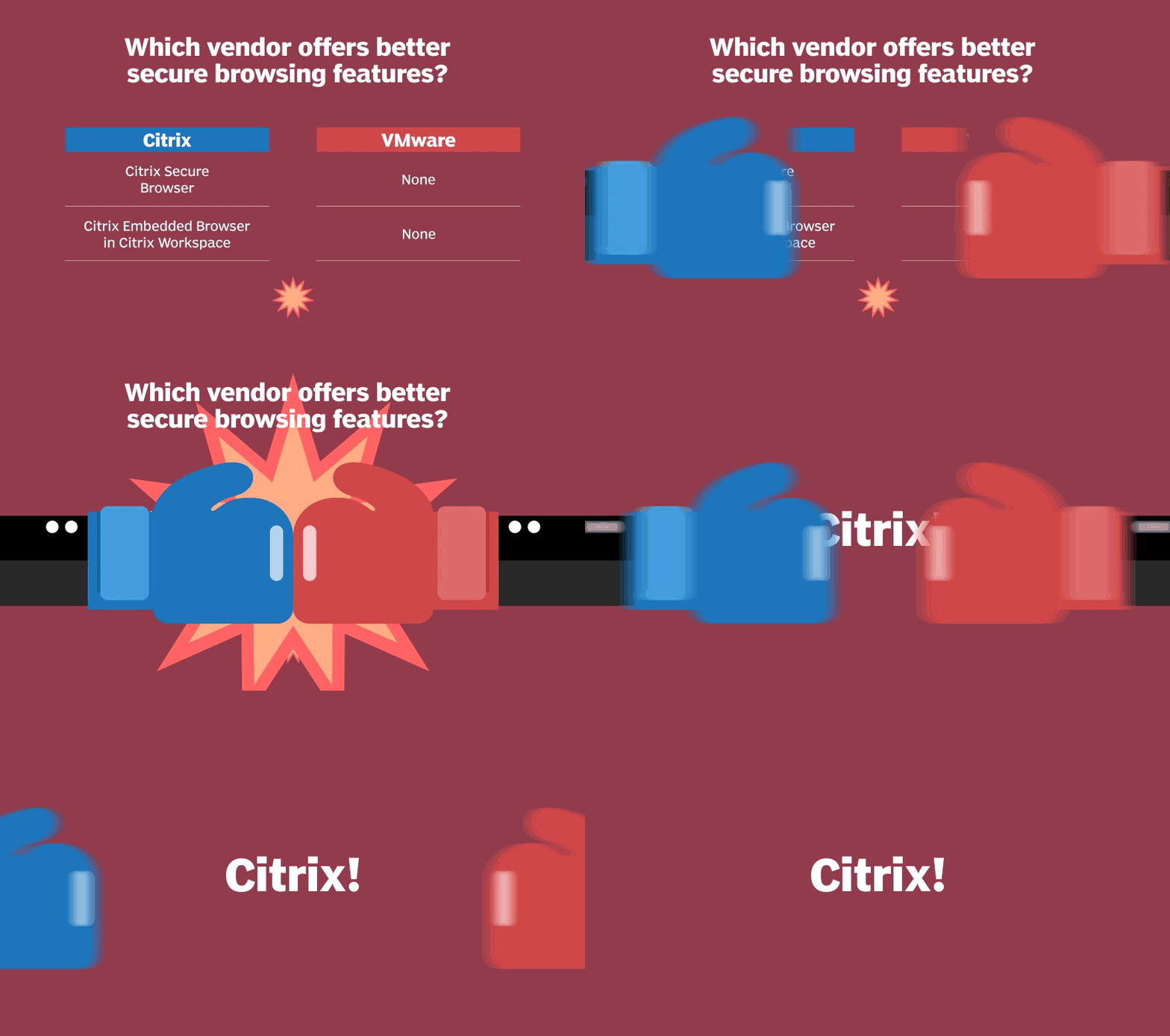
VMware doesn't offer local or remote secure browsing, so Citrix is the winner of this round. Citrix Access Control is part of the Citrix Secure Browser offering.
Microsegmentation allows IT to run a smarter and more adaptable firewall at the virtual switch side on the virtualization host rather than backhaul all firewalling to a top-of-rack switch or to a firewall somewhere else on the network.
For VDI, microsegmentation prevents one desktop from communicating with another, even though they are on the same virtual LAN (vLAN). This process is commonly referred to as east-west protection. VDI admins can also ensure that their vLANs can only access the Active Directory, DNS, brokers, application back ends and file shares, or any other services that will make an image work as expected. This is called north-south protection.
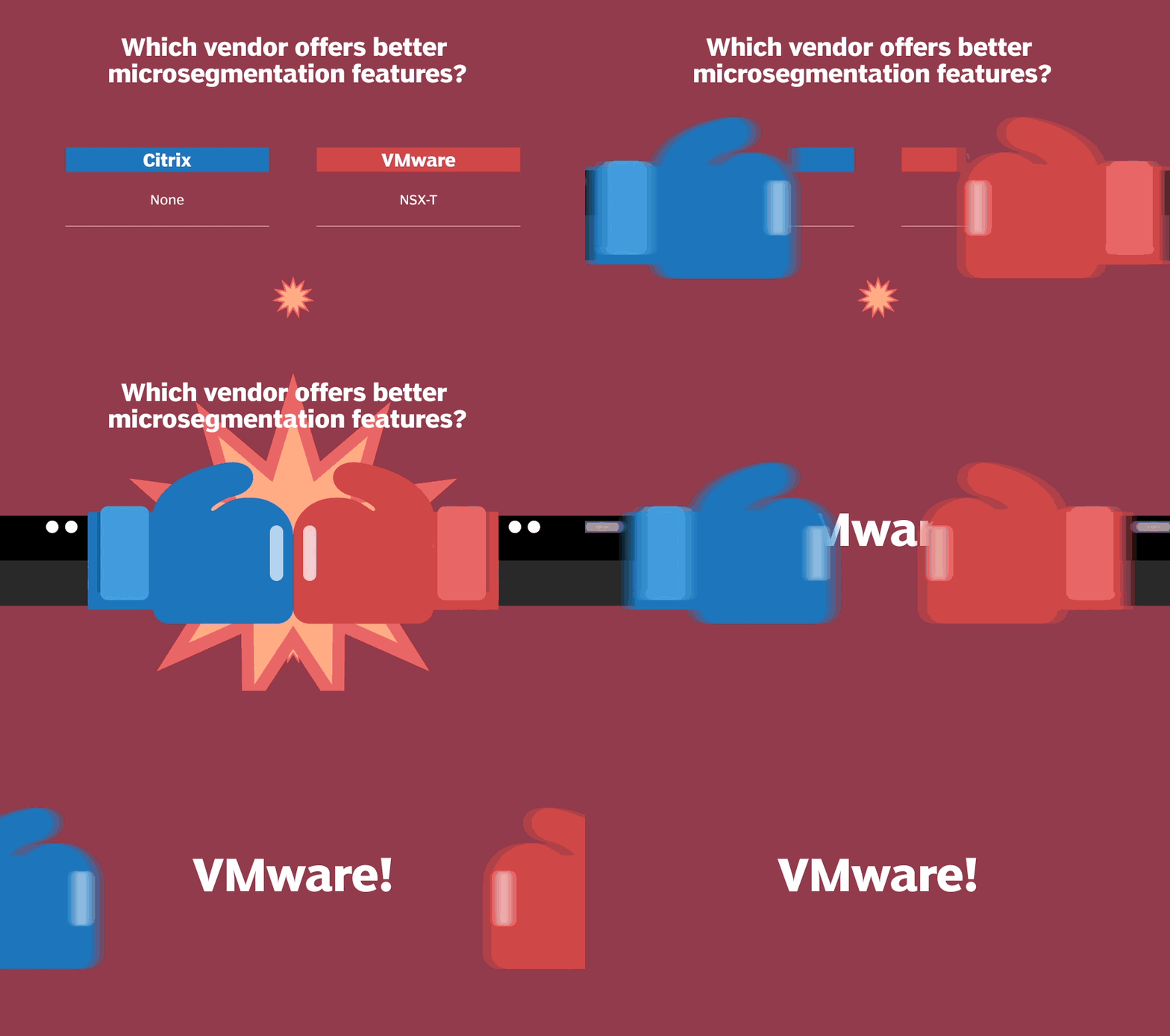
VMware is the only one in this comparison with its own microsegmentation product, NSX-T, which adds depth to any security strategy. A community has developed around the product since its 2013 release, which means there are certified experts, free and paid classes, and services to help admins with deployment.
VMware has added other features to NSX microsegmentation that enables IT to limit east-west communication with one click and have contextual network access with desktops in the same pool and vLAN based on the users group memberships. NSX microsegmentation is a significant advantage over Citrix in this area.
Citrix brings home the gold in this VDI security showdown.
Overall, Citrix's security features are more comprehensive compared to VMware. Citrix Cloud makes it even easier for IT to deploy the security features, many of which are built into the cloud service. On-premises customers can also easily enable Citrix security features.
VMware has been innovating wherever possible. VMware will likely build upon the release of its Workspace One Intelligent Hub and zero-trust reference architecture to help make its product more secure by default and make policies easier to deploy and manage. The release of Microsoft Windows Virtual Desktop and the normal trajectory of VMware's EUC team will close this gap more quickly. In the future, this will likely be a much closer battle.