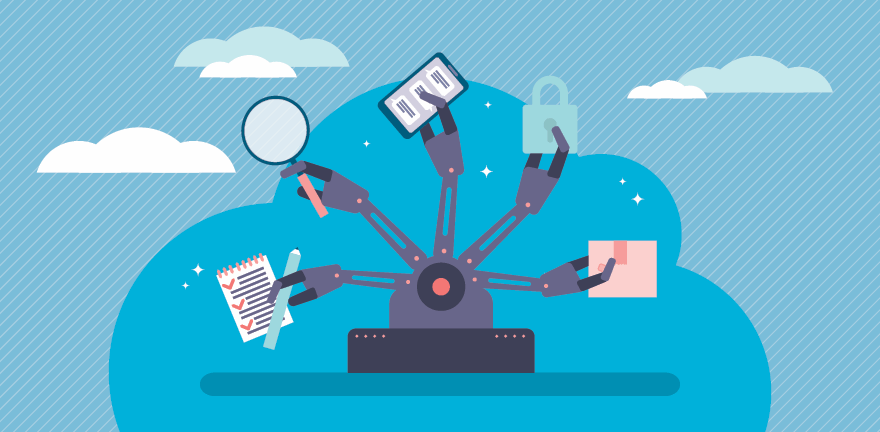
Automation has emerged as an indispensable tool for IT, enabling teams to effectively handle a myriad of routine tasks that are otherwise time-consuming and error-prone. As a result, IT automation examples and use cases are now diverse and far-reaching, from VM deployments to help desk response.
The benefits of IT automation -- including rapid scalability, simpler routine system maintenance, enhanced workflows and improved customer satisfaction -- apply to both technology and the business.
And while there is always a need for human intervention, particularly in IT troubleshooting, an organization can never derive the greatest possible value from an IT staff crowded by tedious manual tasks. One of the most significant IT automation benefits is that it frees IT professionals from daily firefighting, enabling them to focus instead on creative and innovative endeavors that yield long-term business benefits.
Of course, to achieve any of these advantages, operations admins first have to identify how and where to apply automated workflows. Let's explore 5 common IT automation examples and the tools and skill sets that make them possible.
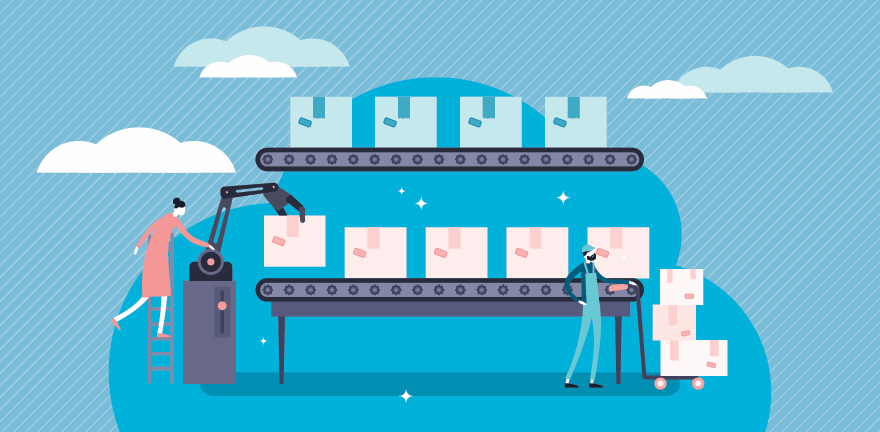
IT admins have a lot of boxes to check when it comes to VM deployment and provisioning. First, they set up the processor, memory, network and other resources to create the necessary virtual environment, and then they load and configure the desired image file into that virtual environment so the image can run.
While this process isn't difficult, it does require time and attention -- and the same can be said of container deployment, as well. It's certainly possible for an IT administrator to deploy and configure 10 or 20 VMs or containers, but it's impractical for humans to deploy more than 100 error-free instances on demand.
Instead, operations teams can implement automated VM deployment tools, such as Ayehu, vCenter Orchestrator and Ansible, as well as container orchestration tools, such as Kubernetes. These tools stipulate the characteristics of a virtual instance, such as the instance name, number of virtual CPUs, memory and disk space, as well as configuration details such as the desired image, IP address and access credentials. These workflows can include a pause for human approvals, if needed.
The use of automation and orchestration in IT is a fundamental part of advanced software-defined technologies, such as the software-defined data center and infrastructure as code. In addition, automated VM deployment tools increasingly embrace technologies such as AIOps, where machine learning and artificial intelligence make autonomous provisioning and configuration decisions with little, if any, human interaction or approval.
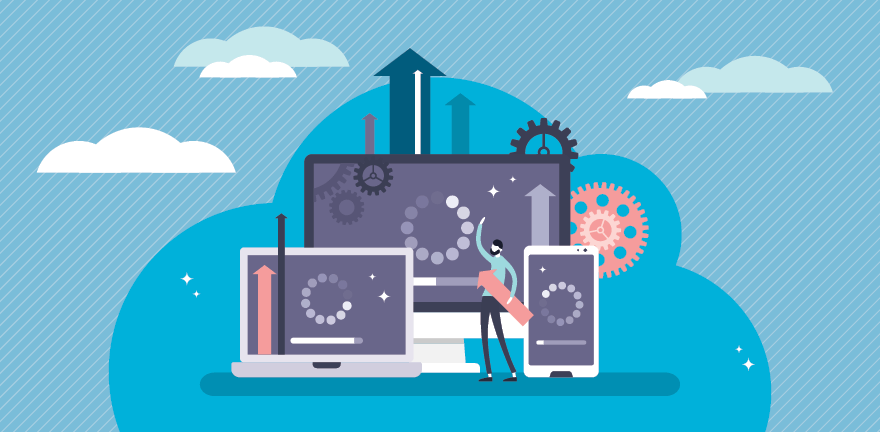
A software product is a dynamic entity that evolves and grows constantly throughout its lifecycle. Software often changes to fix functional or security defects, improve performance, build interoperability or add new features and functions. Each time a development team releases a new software version, IT operations must install that new iteration on every system or server where the software runs. For example, when Microsoft releases an update for Windows Server 2019, it's important to patch and update every server that runs it.
While patching is typically automated in its own right through installers, such as executable installer files or built-in update tools, large patches can still take hours to apply. That time is multiplied by the number of deployments, as well as the frequency of update and patch releases. Consider an environment with 500 VM servers running Windows: If a piece of software is patched several times each month, the aggregate software patch time is substantial. What's more, a piece of software in the organization's own CI/CD pipeline might demand daily patching. Forgetting a patch could leave a deployment instance inoperable or exposed to security flaws.
Consequently, IT administrators often enforce automated patching. In this common example of IT automation, patch management tools -- such as SolarWinds Patch Manager, ManageEngine Patch Manager Plus, ITarian Patch Manager and Automox -- automatically ensure affected systems update successfully.
The notion of immutable infrastructure -- wherein a deployment does not change after it's provisioned -- is slowly supplanting both traditional and automated patching paradigms. With immutable infrastructure, admins create a new deployment instance and redirect traffic to that new instance, while the previous instance is destroyed.
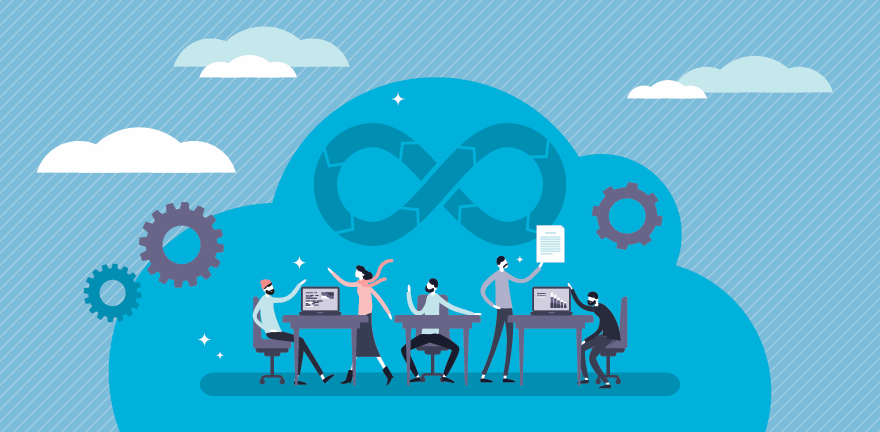
Today's developers embrace agile or continuous development paradigms, such as Agile and DevOps, to create and refine applications. Such development efforts rely on frequent software iterations to add capabilities, squash bugs and enhance performance. Each phase of the DevOps infinity loop involves a myriad of tools to edit, version, build, test, deploy and monitor software.
The demands of agile software development create opportunities for process bottlenecks and errors. A typical build might require linking a variety of modules and processes before compilation can take place, and each component might exist in several versions located in one or more repositories. Testing is another troublesome part of the pipeline, where developers must define and execute a bewildering range of tests to evaluate and validate each iteration. More challenges arise in deployment, as the validated build must move into production with minimal disruption to the existing environment.
Automated development tools streamline frequent and redundant tasks, such as building, integrating and testing software, and also maintain code quality standards and security requirements. The tools that underpin this example of IT automation, however, are generally limited in scope and fall into particular pipeline categories. For example, build and integration tools include Jenkins, CircleCI, Bamboo and Apache Maven, while test tools include Selenium, TestComplete, Ranorex, and Tosca Testsuite. Most tools rely on some combination of scripting and object-based workflows to establish automated behaviors.
Future automated development tools will span more of the development pipeline. This will require a high level of integration and interoperability with a vast assortment of tools already in the software development marketplace. AI and machine learning will also play a greater role in future software development automation to evaluate, for example, a code base for style and content.
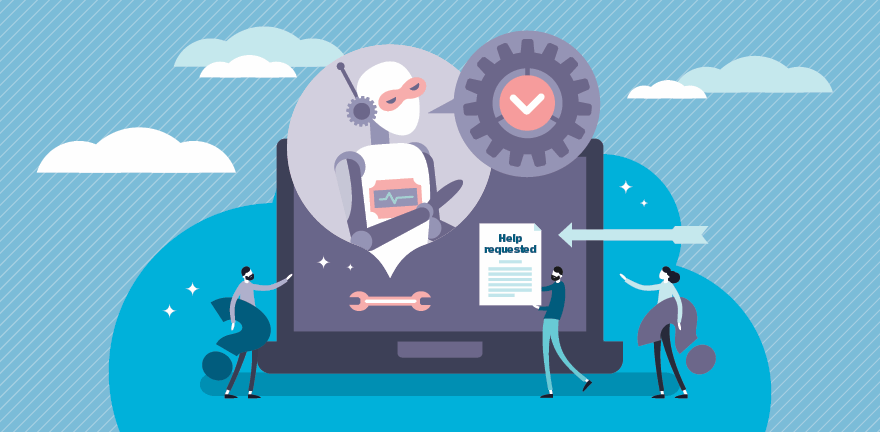
Organizations use IT ticketing systems to document and track incidents and user service requests. Each ticket has an assigned category and severity, so IT admins can prioritize requests into a queue, and then investigate, address, escalate (if necessary) and ultimately resolve. Traditionally, a ticketing system is simply a means to organize requests -- it's the front end of a help system that has long relied on knowledgeable human professionals to answer questions, implement services and solve problems.
But many of the issues that arrive in a ticketing system are tedious, routine and quickly resolved using a simple, easily documented workflow. For example, if the business needs to onboard a new employee, the steps to create credentials, assign application access and schedule training are time-consuming. The business can obtain more value from help desk staff who investigate and resolve more complex issues, such as those related to application performance.
Help desk automation enables IT teams to handle many routine tasks, such as employee onboarding or requests to provision a new VM, through an automated response. Emerging help desk tools establish rules and enforce workflows to ensure each request is addressed completely and consistently. Examples of automated incident response and help desk systems include HappyFox, Freshdesk, Zoho Desk and Zendesk Support.
Incident response and help desk automation tools increasingly collect metrics, such as time to respond, time to resolution and customer satisfaction. Some also incorporate Wikis and documentation for customer self-service. More advanced tools use AI and machine learning to analyze the cause-and-effect relationships between issues and resolutions.
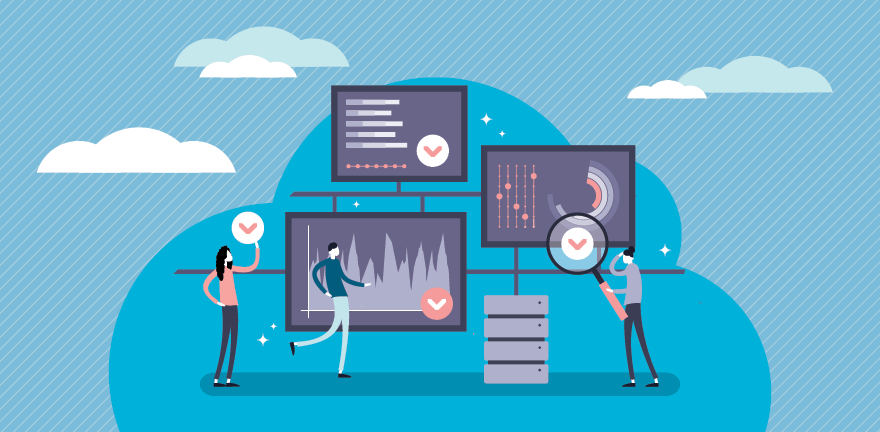
Compliance and security are two of the biggest challenges modern organizations face. Compliance essentially ensures that the business follows rules established by governmental authority and industry standards, while security prioritizes the protection of applications and sensitive data. Both challenges coalesce in enterprise IT -- and automated change management, along with log analysis, can reduce them.
Change management is a central element of IT compliance. Uncontrolled changes in a server or application configuration can lead to performance degradation and security vulnerabilities. A business can prove that its IT infrastructure is configured for optimal performance and security when it establishes and maintains hardware and software in a desired state configuration. At the same time, comprehensive monitoring and management of security events leads to log analysis for investigation and remediation -- but pouring over numerous logs by hand can be time-consuming and inconclusive.
Automated change management tools specify and enforce a desired configuration, and enable an organization to plan, map, manage and report more effectively on changes when they occur. IT change management tools include SolarWinds IT Change Management, Spiceworks and BMC TrueSight. Similarly, log analytics tools ingest and process a multitude of existing logs from servers, services and applications to find correlations and identify security or functional incidents for remediation. Log analytics tools include SolarWinds Security Event Manager, Paessler PRTG Network Monitor, Loggly and ManageEngine EventLog Analyzer.
There is great potential for the use of AI in log analytics to produce more detailed cause-and-effect or root-cause assessments of changes and security incidents.