The dominant office productivity suite for enterprise desktops is Microsoft Office, and the most common alternative is the similar cloud-based program, Microsoft Office 365.
Microsoft Office and Office 365 offer integration with Windows 10 and the widely adopted Microsoft Outlook, an email client with a built-in calendar that organizations rely on for communication and scheduling. These unique features make it more challenging to find alternatives to Microsoft Office to fill the same role.
Support and compatibility are also key factors IT must consider before it decides to switch to one of the Microsoft Office alternatives. IT pros must be ready to handle the loss of Microsoft's robust support and rely on the alternative vendor or third party for support. Different file types can cause compatibility issues between suites, as well.
Organizations might also consider some Microsoft Office alternatives due to rising licensing costs or user preference for another suite.
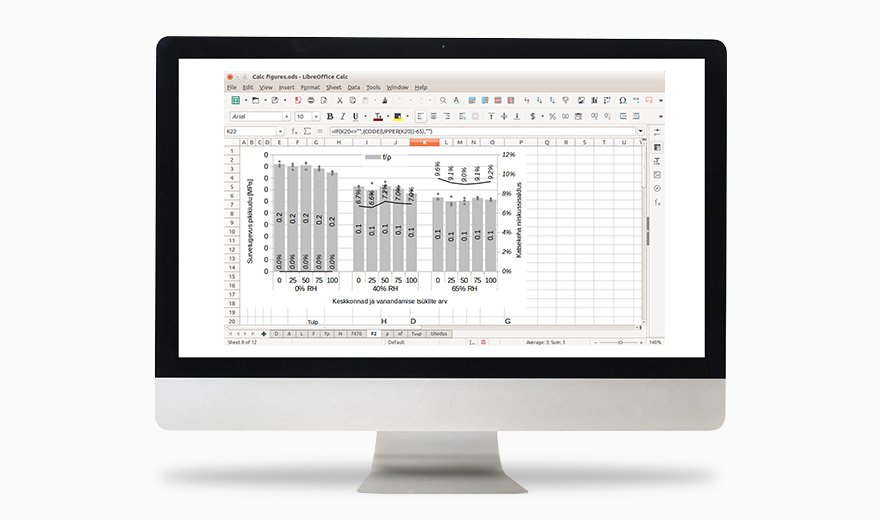
One of the most common Microsoft Office alternatives that organizations choose is the LibreOffice suite from The Document Foundation, a nonprofit that produces open source software.
The free-to-use LibreOffice suite makes up for its lack of Windows 10 integration with its wider range of file compatibility and feature customization. The LibreOffice applications for word processing, slideshows, graphics editing and more can view and edit various file formats with which Microsoft Office isn't compatible, including Gnumeric spreadsheet files and .swx word documents.
IT pros can also customize each application of the LibreOffice suite with downloadable extensions, adding features such as additional languages, templates, advanced calculators and more.
Mainstream support for LibreOffice, unlike the suite itself, comes with a price tag. But organizations with the LibreOffice suite should consider paying for it unless their IT department has the knowledge to provide in-house support.
One of the biggest strikes against the LibreOffice suite is it lacks an email client. IT can easily find stand-alone email clients, but the process of deploying a non-Microsoft Office productivity suite is much easier when all of the software comes from the same source.
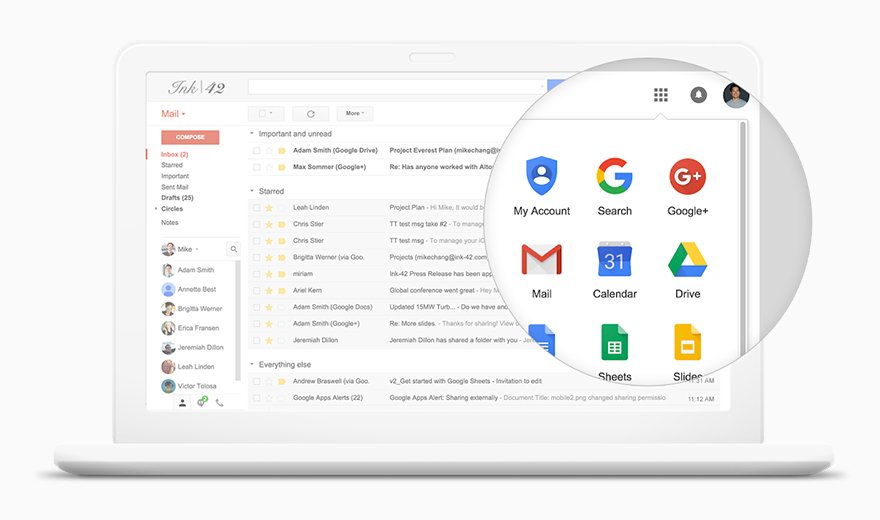
Google G Suite Enterprise, which is software as a service, is more of an alternative to Microsoft Office 365.
Google offers several versions of its productivity suite. On the lowest end, there is G Suite Basic for $50 per user, per year. It includes the standard Google web apps, such as Google Sheets, vendor support and an email domain name for an organization.
G Suite Business adds unlimited storage, more management utilities and tools for IT, and collaborative cloud storage drives for $120 per year. G Suite Enterprise -- the most comprehensive offering, at $300 per year -- adds administrative functions, such as email scans and archiving, as well as security measures such as email encryption.
Organizations that opt for G Suite Enterprise can rely on the mainstream support included in the offering. This suite includes beefed-up versions of Google Calendar, Google Docs, Google Hangouts and more. Each of these programs benefits from integration with Google's Gmail client, which allows users to collaborate on projects and documents and share files from Google's cloud storage tool, Google Drive.
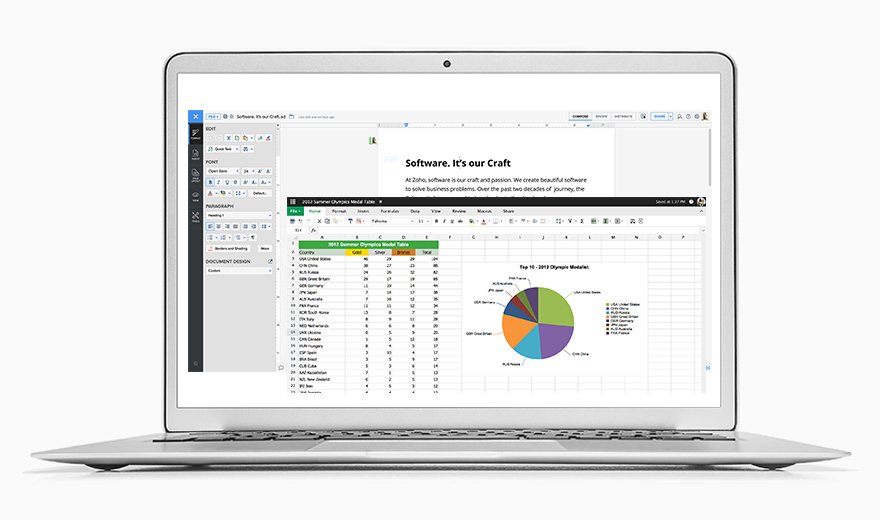
With the Zoho Office Suite, organizations get many of the standard productivity options that come with other Microsoft Office alternatives -- with a few distinguishing functions and features.
A word processor, spreadsheet editor, presentation application and mail client are the central tools that make up the Zoho Office Suite. Each one features common file compatibilities that Microsoft Office also uses, such as .doc, .docx and .html for text files, but nothing particularly advanced.
Zoho also includes a customer relationship management (CRM) tool that an organization's sales department can use to communicate with customers, track sales leads, manage outstanding bills and perform other operations. With the help of AI, Zoho CRM's sales assistant, called Zia, helps users search through the CRM tool's database, run calculations and more.
Another unique aspect of the Zoho Office Suite is Zoho Creator, which allows IT pros to create a custom application for data collection, storage and management. The flexibility of this feature allows skilled IT pros to create a database workflow that matches their organization's needs. IT can sort data, as well as customize fields, reports and automated actions.
The final licensing cost depends on which apps an organization requires. Access to each application costs a few dollars, so the cost per user can range dramatically from less than $10 to more than $30 on a monthly basis.
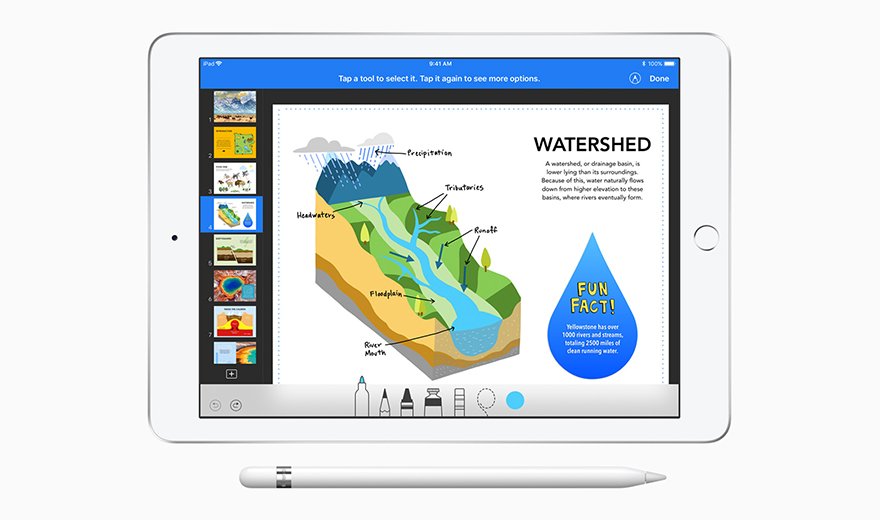
The Apple iWork office suite is one of the best Microsoft Office alternatives for organizations that run MacOS desktops.
Apple designed the iWork office suite exclusively for macOS, so organizations on other OSes don't even have this option. It includes word processing, spreadsheet editing and presentation creation through its native apps that come free with an Apple desktop. Users can collaborate within these applications through the iCloud storage system.
The iWork office suite also offers integration with Apple iOS for mobile devices. Organizations that fully commit to Apple for all of their enterprise devices can use Apple's robust mobile applications that allow users to view and edit files in the mobile versions of each iWork office suite app.
Apple Mail, the native email client for macOS, is not technically part of the iWork suite. But because it is also a native application, the productivity applications include some integration for sharing projects and other tasks through Apple Mail.
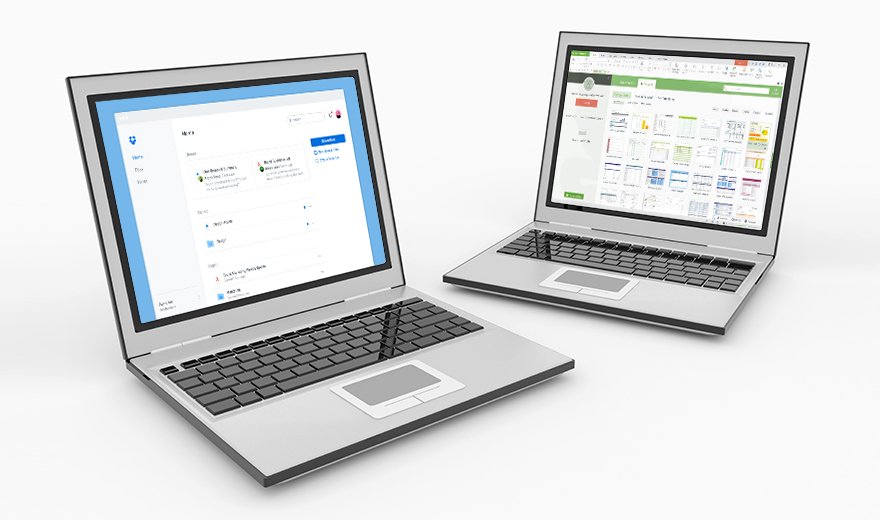
The options for a Microsoft Office replacement also include Dropbox Paper and the WPS Office suite.
Dropbox Business is more of a file-sharing platform than an office suite, but organizations that only require a word processing program can use Dropbox Paper. This Dropbox-exclusive document format allows users to collaborate on the same document while tracking the changes -- but only if they have internet access. Users can also pass files back and forth without leaving Dropbox Business, which limits the attack vectors of a hacker trying to access an organization's files.
WPS Office, formerly Kingsoft Office Suite, is another stripped-down Microsoft Office replacement that comes with no licensing cost. While the free version of the suite starts up, WPS Office runs advertisements, but the ads do not continue once the suite launches. WPS Office allows users to upload their files to the WPS Cloud, so they can access their work from multiple devices.